
Barcode Element
The Barcode element provides functionality for displaying barcode images based on a supplied data string. AstraDoc currently supports 11 different barcode formats (see below for a table containing all supported formats).
Certain barcodes require the supplied data string either conform to a specific series or contain a data string that passes a checksum calculation. Barcodes that fail these requirements will not render within the document.
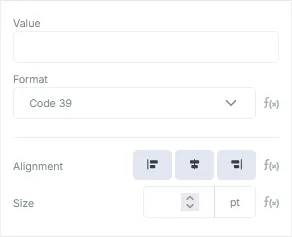
Barcode Properties
Section titled “Barcode Properties”| Field | Description |
|---|---|
| Value | The data string used to render the final barcode graphic. |
| Format | The format of the barcode. Defaults to Code 39. |
| Alignment | The horizontal alignment of the barcode within its containing element. Only relevant if the width of the final barcode image is smaller than the width the containing element. |
| Size | The size in points of the barcode. Barcodes scale while maintaining their correct aspect ratios. |
Available Barcode Formats
Section titled “Available Barcode Formats”| Format | Preview |
|---|---|
| Aztec |  |
| Codabar | 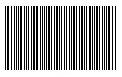 |
| Code 39 | 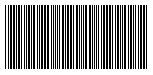 |
| Code 128 | 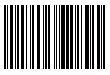 |
| Data Matrix |  |
| EAN 8 |  |
| EAN 13 | 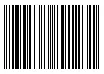 |
| ITF |  |
| QR Code |  |
| UPC A | 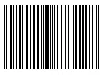 |
| MSI | 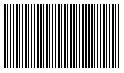 |